Define the result before choosing a tool
‘Two people rapping together’ can mean a shared scene, alternate close-ups or a split screen. It can also mean both characters following one chorus, or each performing different verses. Write down which of these you need before judging a generator by its name.
A battle makes the interaction part of the idea: one character delivers a line and the other responds. Whether it looks competitive depends on the lyrics and reactions, not just on placing two characters beside a microphone.
| Result | What you see | Additional control to verify |
|---|---|---|
| Shared-scene duet | Two subjects perform in one generated setting | Which voice or line belongs to each subject |
| Edited back-and-forth | Separate performances cut together or split-screened | Compatible clips, audio timing and editing |
| Controlled battle | Opposing verses with intentional responses | Custom lyrics, role assignment and turn-taking |
What the recorded duets demonstrate
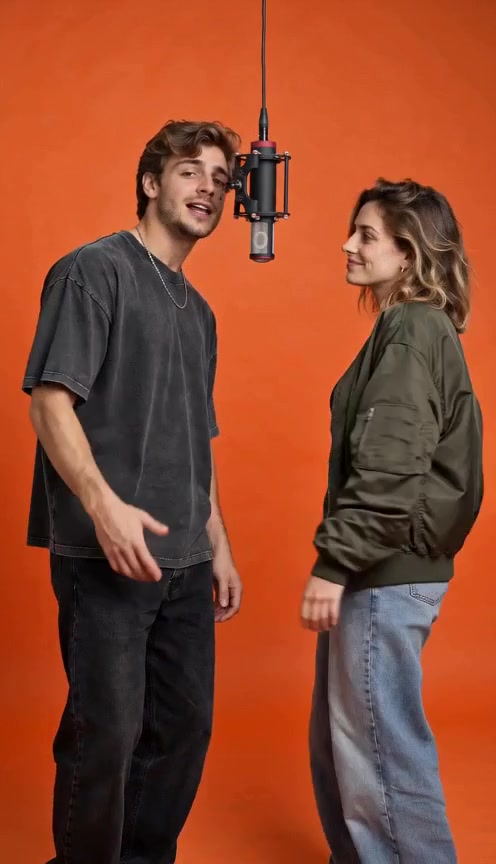
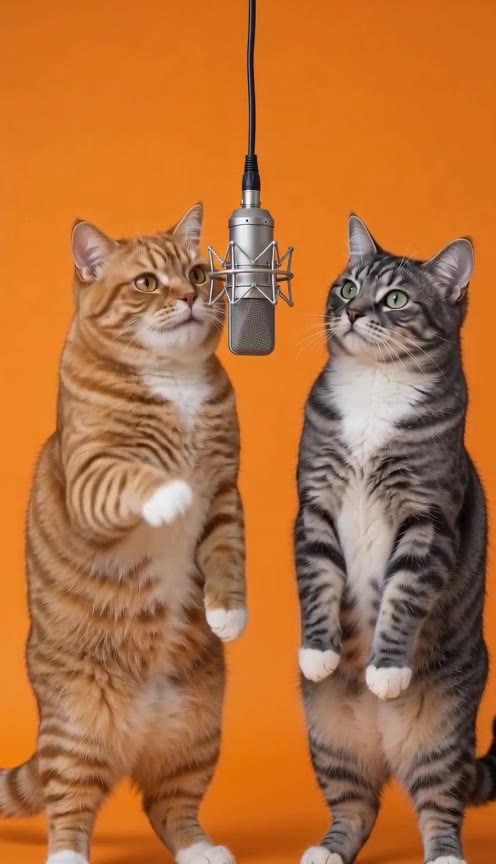
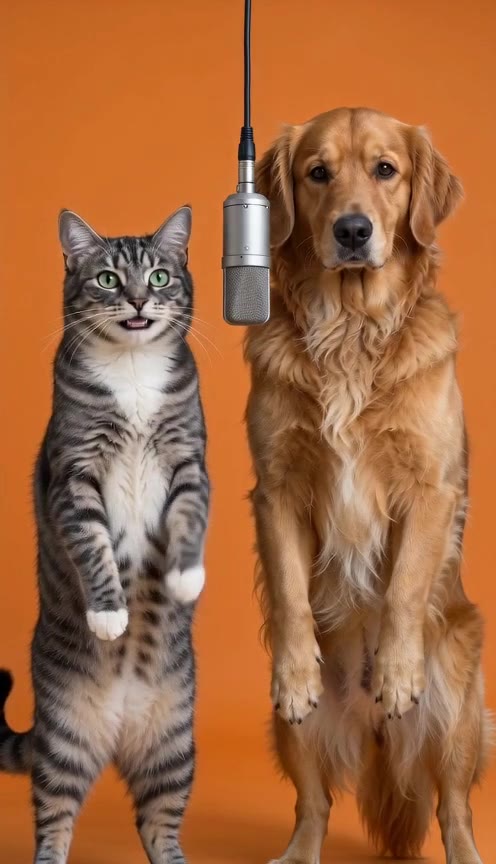
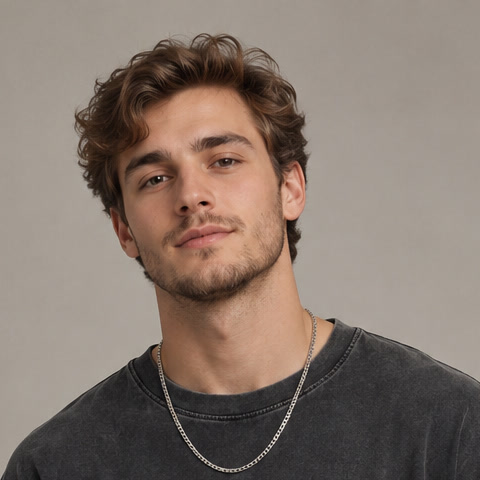
Orange Studio Duet uses two fictional adult portraits to guide two performers in one warm recording-room scene. Two Cats, One Mic and Cat & Dog Cypher show separate pet combinations. All three recordings include AI rap audio and are existing Hotel Lobby AI outputs reused with permission.
They demonstrate those particular scenes and performances. They do not establish a visitor-facing lyric editor, the ability to make one character say a chosen line, or a guarantee of perfect synchronization in every future video.
What a custom battle would need
For a battle idea, decide who says each line and whether the characters must share the frame while responding. Then check whether a workflow can accept those instructions and whether the finished output follows them.
Two uploaded portraits establish the intended subjects. They do not supply the words, voices or timing. A topic field is also different from an editable script. An example should demonstrate the controls you need, rather than only a similar-looking stage.
- The right two subjects stay recognizable.
- Each line is delivered by the intended character.
- Responses occur in the intended order.
- Mouth timing can be checked against the actual audio.
- Reactions and body movement fit the scene without merging the subjects.
When separate clips are a different solution
Generating one character’s performance at a time and editing between verses can create a back-and-forth sequence. A split screen can show both clips at once. Both approaches involve an edit; neither is proof that one model independently controlled two mouths in a shared shot.
Separate clips also leave work to check: consistent sound, pauses, framing and continuity between turns. We have not run a comparative reliability test of these approaches, so this is a workflow distinction rather than a claim that one always works better.
Choose what fits your idea today
If you want a playful double act, start by watching a complete duet with sound. If you need an exact diss and reply, keep that as a custom battle requirement. A dance with a rap backing track is another effect again, especially for pets.
On AirapVideoMagic you can inspect the source photos and recordings, then preview the matching photo slots locally for free. A new shared-scene duet costs $9.90 once, plus applicable tax. Confirm consent and continue to checkout to upload the references privately; verified payment starts generation, with a private download available for 24 hours after completion. Custom battle lyrics and role-assignment controls are not available, and the free photo preview is not a generation trial.
Judge the full scene, not the label
Watch both subjects throughout the clip and listen to every line. Check expressions, anatomy, overlap and who appears to be speaking. A poster, a model name or a ‘battle’ heading cannot provide those observations on its own.
Keep your description as specific as your evidence. ‘Two subjects in one generated scene with AI rap audio’ says what a shared duet shows. Claims about exact lines, voices or turns need their own demonstrated controls and results.
A FEW MORE DETAILS
Common questions
Are two cats in one scene automatically a rap battle?
No. They can be a duet or another shared performance. A battle’s opposing lyrics and responses are additional creative requirements.
Can I choose who sings each line here?
Not currently. New duet generation is available, but it has no custom lyric or role-assignment control. Generated lines and mouth timing may vary.
Can I still explore the two-photo idea?
Yes. Inspect a recorded duet and its references, then select two photos in the free local layout. They stay in your browser until you consent and continue to checkout. A verified $9.90 one-time payment, plus applicable tax, starts a new video with original AI sound.
About the evidence: this guide describes the source images, specifications and effect information shown on this site. It does not report a test of new visitor generations or a comparison of third-party tools. Inspect the original example.