Start with a shared-scene example
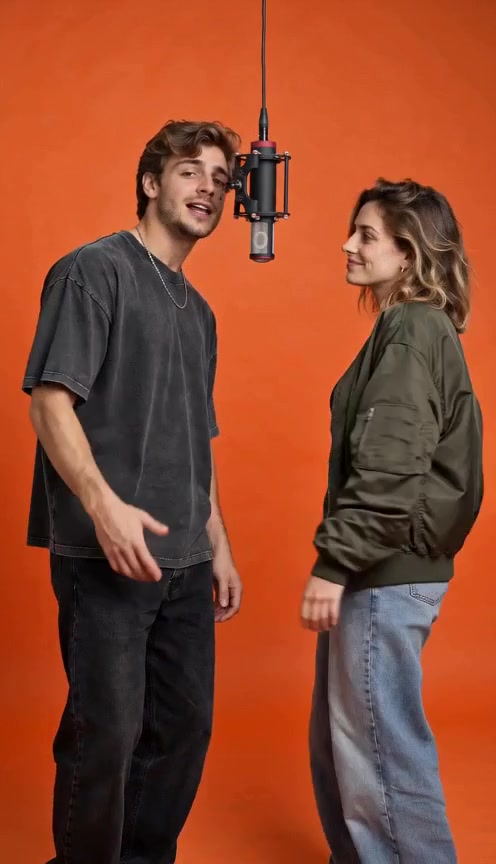
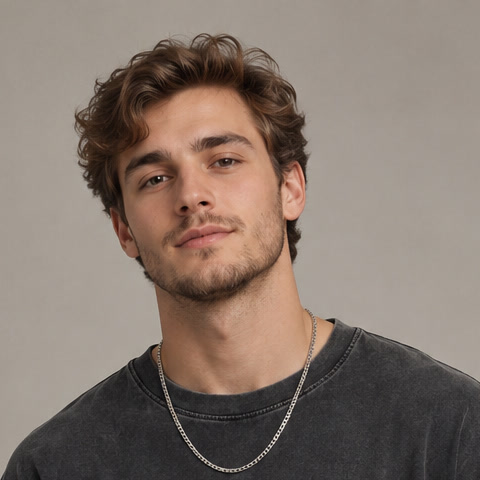
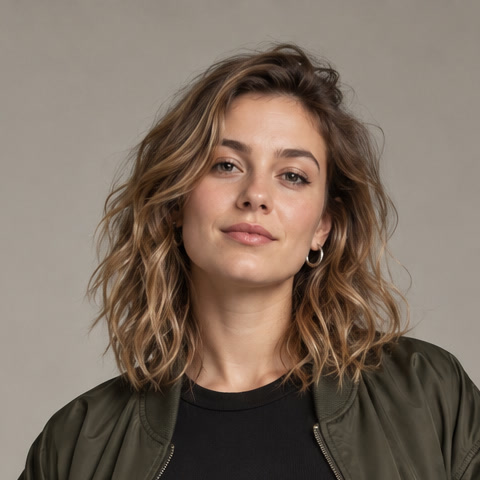
Orange Studio Duet shows two fictional adults performing in a warm orange room with one microphone. Two separate adult portraits supplied the references. The generated result adds the recording-room setting, gestures and reactions between the performers.
The recording comes from Hotel Lobby AI and is reused with the owner’s permission. It includes original AI rap vocals, lasts about ten seconds and has dimensions of 720 × 1280 pixels. These are demonstration subjects, not customer photos or testimonials.
Choose one clear image per performer
Use well-lit portraits with visible faces and an unobstructed mouth. Avoid sunglasses, strong beauty filters or another person overlapping the subject. Check the selected effect’s framing before using a close-up selfie or a full-body image.
The people do not need to be photographed together. This particular layout has two separate slots; it does not demonstrate a group-photo input. Use your own photo or photos of adults who agreed to appear in the performance.
- One consenting adult per reference image.
- Clear facial details and reasonably even light.
- No minors or public figures in this site’s people-photo layouts.
- Review both references before moving to a new generation workflow.
Try the layout without extra settings
The local studio keeps the scene choice and photo requirements together. Opening the adult example selects the matching effect, so there is no need to choose a model, write a video prompt or set a resolution just to explore its layout.
Watch and listen
Check the two performers, their interaction and the included vocals in the original sample.
Prepare the pair
Open Orange Studio Duet in the studio and choose one photo for each labeled slot.
Review the local previews
Confirm that each person is clearly visible. Selected files are not uploaded and no video job starts.
Decide what you need from the sound
A generated rap and an existing song are different starting points. The recorded duet already includes AI rap audio. It does not establish that the site can take a finished song, preserve your recording or assign a chosen voice to each person.
If an exact lyric, name pronunciation or recorded vocal matters to your project, treat that as a separate requirement to verify. Custom audio, lyric entry and voice selection are not currently available on AirapVideoMagic.
Two people on screen is not independent lyric control
A same-scene duet needs two recognizable subjects in one composition. A controlled back-and-forth performance also needs the correct line assigned to the correct person at the correct time. Watch a complete clip to distinguish those results.
Separately generating each person and cutting between their verses can form a duet in the edit. It does not demonstrate two people independently following different vocals within one generated shot. Our collection does not promise that control or a custom diss battle.
Review the two performers together
Look at both faces, hands and body proportions throughout the recording. Check whether one subject obscures the other, whether reactions feel coherent and whether the vocals fit the visible performance. A recognizable first frame is only one part of the review.
The studio offers a free local photo preview beside the existing sample. To create your own duet, add two authorized adult photos, enter a receipt email, confirm consent and continue to the $9.90 one-time checkout, plus applicable tax. Photos upload privately when you continue; verified payment starts generation. The existing sample stays unchanged, and your completed video has a private download available for 24 hours.
A FEW MORE DETAILS
Common questions
Can my friends live in different places?
The demonstrated layout uses separate reference images, so the subjects do not need a shared photograph. Each person still needs to agree to the use of their photo.
Does this copy a particular artist’s performance?
The example is a generated scene with AI rap vocals. It is not presented as original artist footage or a cloned artist voice, and it does not promise exact choreography.
Can the same workflow use pets?
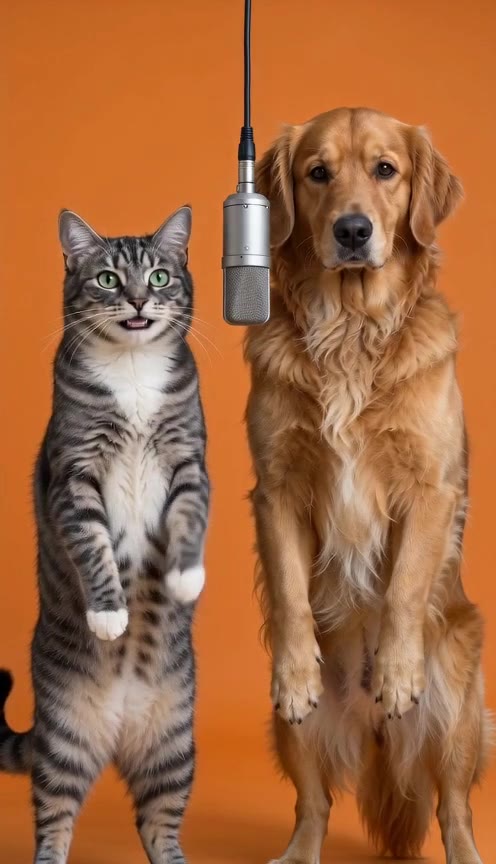
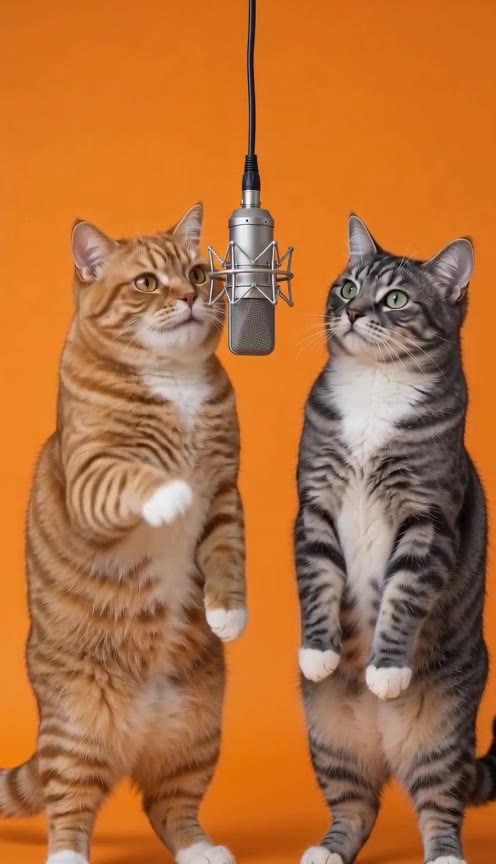
The collection has separate two-cat and cat-and-dog examples. Use those examples and their photo guidance rather than assuming a people layout proves animal performance quality.
About the evidence: this guide describes the source images, specifications and effect information shown on this site. It does not report a test of new visitor generations or a comparison of third-party tools. Inspect the original example.