Three ways sound can enter a video
Start by deciding what must remain fixed. If you only need a funny performance, newly generated sound may fit the idea. If you have a finished recording or a line whose pronunciation matters, you need a workflow that can accept and perform that particular audio.
A visual image-to-video prompt can describe a rapper, microphone or energetic gestures. It does not by itself establish that a chosen song will be preserved or that the mouth will follow its lyrics.
| Workflow | You need | Check before choosing |
|---|---|---|
| Generated audiovisual performance | Reference image(s) and a supported scene | Whether vocals and music are actually in the output |
| Photo plus existing audio | An image and a compatible audio track | Audio upload support and mouth timing |
| Animation with music added later | An animated clip and an editor | Music accompaniment is not automatically lip-sync |
Listen to the sound in our recordings
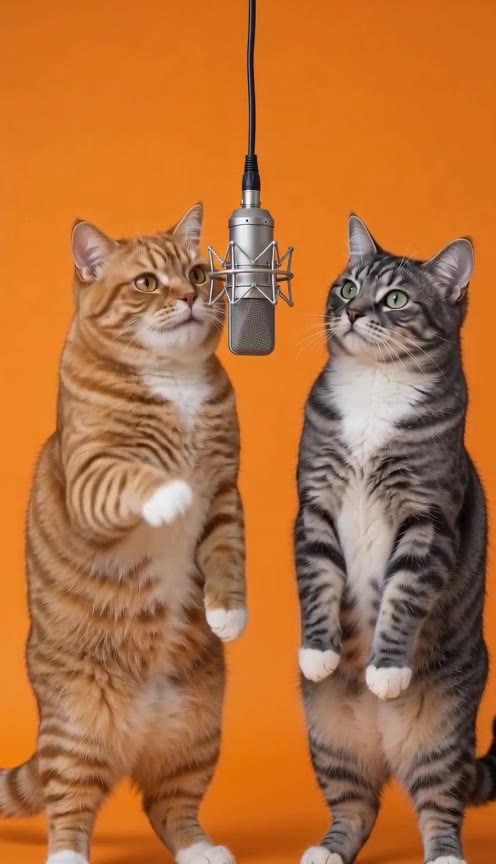
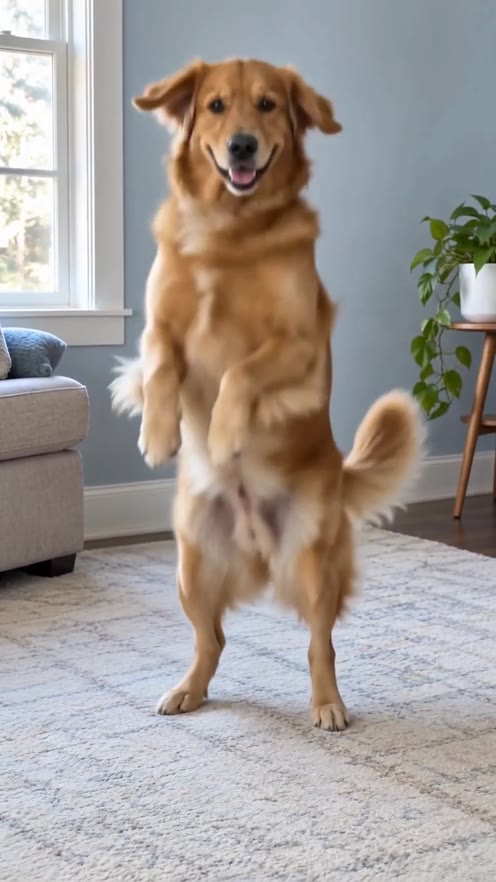
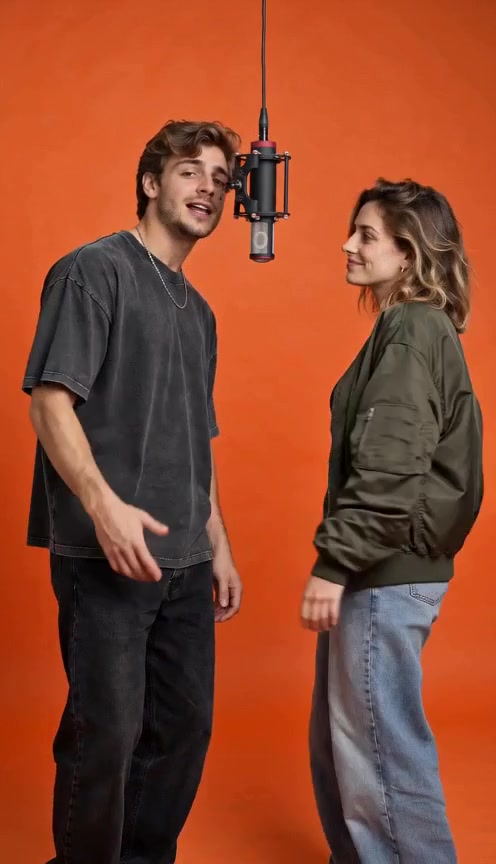
The two-cat and cat-and-dog duets contain original English AI rap. The street freestyle, cat dance and dog dance contain original Spanish AI rap. The adult duet is labeled original AI rap vocals. Play each recording to hear the performance rather than inferring its sound from the poster.
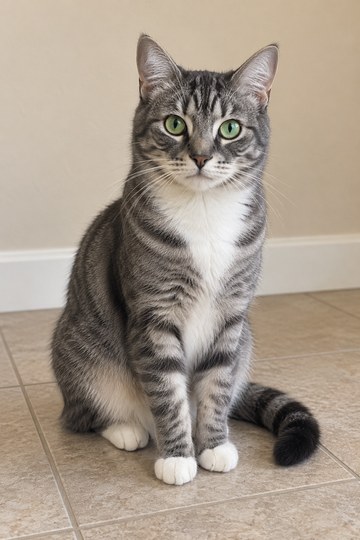
Cat & Dog Cypher, featured here, uses two fictional pet references in a shared orange studio. Its existing audio is preserved with the recording. It does not demonstrate a new song upload, a voice copied from a person or a custom verse entered by a visitor.
A topic, lyrics, a voice and a song are different controls
A topic describes what a song should be about. Lyrics specify the words. Voice selection changes who seems to perform them. An audio upload supplies a recording that already has timing and pronunciation. A product may support one of these without supporting the others.
For a duet, choosing the words still does not establish which person delivers each line. That requires role assignment and a corresponding result to review. Avoid treating a general ‘customize’ label as proof of all these controls.
- Need exact words? Check lyric input and the actual spoken or sung output.
- Need a particular recording? Check the audio-input workflow.
- Need two distinct parts? Check role assignment in a complete duet sample.
- Need dancing too? Inspect the body movement separately from mouth timing.
Review what happens to a supplied track
Where an audio-input tool is used, check its accepted file type and duration before preparing the recording. Listen to the finished clip for missing sections, changed words, pronunciation and the balance between vocals and beat. These are checks to perform, not verified upload settings for this website.
Use audio you have the right to use and keep track of its source. An AI-generated visual does not establish permission to reuse a separate song. Our samples identify their generated audio; they do not include the original Bulin 47 recording or a cloned artist voice.
What the studio includes today
The studio lets you select an effect and preview the photos it needs locally. It does not accept a music file. When you consent and continue to checkout, the photos upload privately; after verified payment, they are sent through SeeAPI for a new image-to-video performance with original AI-generated sound. The sample player remains an existing recording with its original soundtrack.
Watching examples and trying a local photo layout are free. A new 10-second video costs $9.90 once, plus applicable tax, and includes generated vocals and music with a private download available for 24 hours after completion. Song uploads, custom lyrics, voice selection and soundtrack reuse are not included.
A FEW MORE DETAILS
Common questions
Can a text prompt guarantee accurate rap lip-sync?
No. A prompt describes the desired result. Confirm the actual audio workflow and inspect mouth timing against the vocals; a promise in prompt text is not an output test.
Is a free preview a free downloadable video?
Not necessarily. On this site the free preview means watching recordings and selecting photos locally. It does not include a newly generated video or a new download.
Can I keep the current sample’s sound when I select a photo?
Selecting a photo changes only its local image preview. It does not modify or recreate the recorded sample, including its sound.
About the evidence: this guide describes the source images, specifications and effect information shown on this site. It does not report a test of new visitor generations or a comparison of third-party tools. Inspect the original example.