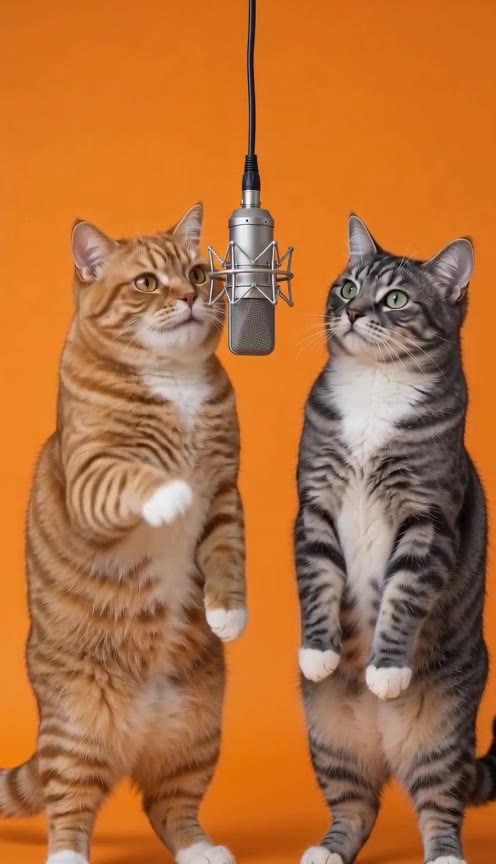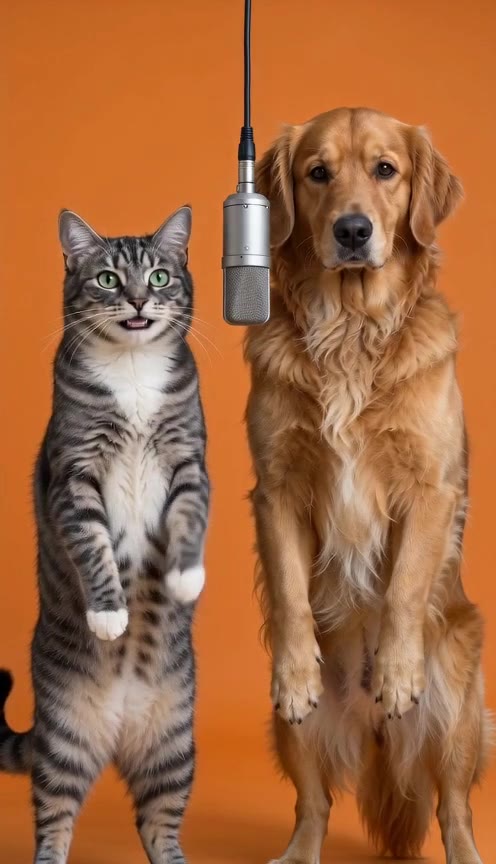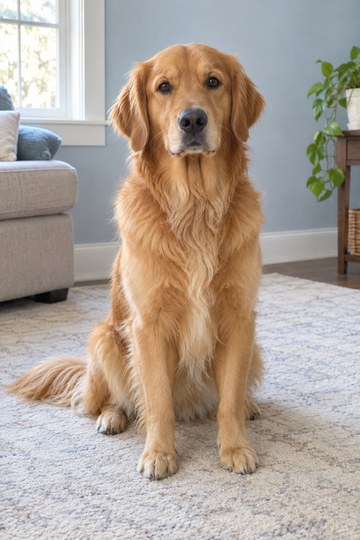
First decide which part of the performance matters
If your idea is a dog moving its paws to a funny beat, body motion and framing may be the main thing you want to inspect. If the joke depends on the dog saying an exact sentence, understandable vocals and matching mouth timing become central requirements.
The words ‘singing pet,’ ‘dog rap’ and ‘pet dance’ can be used loosely in tool descriptions. Play a result with sound and check what actually happens instead of judging the effect from its label alone.
| Effect | Main thing to check | What it does not prove |
|---|---|---|
| Dance with rap audio | Body movement and an audible rap track | Mouth timing matched to each lyric |
| Audio-driven pet performance | The mouth follows the supplied words | Full-body dancing or two-pet interaction |
| Shared-scene pet duet | Two subjects and their interaction | Custom lines independently assigned to both pets |
What Golden Groove demonstrates
A single fictional golden retriever reference becomes a solo performer with gentle shuffles and paw gestures. The scene and movement are generated from the photo reference. The original image and recorded output are shown together on its example page.
The existing Hotel Lobby AI clip measures 720 × 1280 pixels, runs for about ten seconds and contains original Spanish AI rap. The sound is part of the recording. These facts describe this sample, not every future dog image or generation.
Prepare a photo for a dance layout
For this effect, choose one dog with a visible face and, preferably, the full body. Paws and coat details give you more to compare with the finished movement. A simple image without another pet or person helps keep the intended subject clear.
A close facial crop may suit a different kind of talking shot, but it is not the same framing as a body-focused dance. Follow the selected effect’s guidance instead of treating every selfie-style image as interchangeable.
Watch the body movement
Look at the paws, legs and outline throughout the whole recorded clip.
Listen to the soundtrack
Identify the rap audio separately from the movement. Check mouth timing if that matters to your idea.
Try the one-photo layout
Select Golden Groove in the studio and preview a clear dog image locally. No new video is created.
Check anatomy as well as rhythm
When a dog becomes an upright performer, inspect the transition and the moving limbs. Look for stretched paws, changing proportions or coat details that disappear. A dramatic movement may be entertaining even when it is not anatomically realistic; decide what level of stylization fits your project.
Also check the background and the full frame. Cropping for a phone can remove a paw gesture or move the subject out of view. A resolution label alone cannot tell you whether the pose, motion and composition work together.
A specific song adds another requirement
If you want your dog to perform a particular recording, verify that the chosen workflow accepts audio and preserves the track you need. A field for a visual prompt is not an audio-upload feature. Generated rap audio is not the same as your own song.
This site generates a new video with original AI sound for $9.90 once, plus applicable tax; song uploads and voice selection are not available. Preview your dog photo locally, then confirm consent and continue to checkout to upload it privately. Verified payment starts generation. For a two-pet idea, inspect the separate cat-and-dog duet rather than extrapolating from this solo dance.
A FEW MORE DETAILS
Common questions
Does Golden Groove have sound?
Yes. The recorded example includes original Spanish AI rap. It is a dance-with-audio example, not a silent output.
Can I make my dog rap exact custom lyrics here?
That control is not available here. The existing recording does not establish the ability to supply your own lyrics or synchronize a new dog photo to them.
Does this prove that two dogs can rap together?
No. It is one dog in a solo dance. A two-dog scene and independently assigned vocals would need their own validation.
About the evidence: this guide describes the source images, specifications and effect information shown on this site. It does not report a test of new visitor generations or a comparison of third-party tools. Inspect the original example.