Choose the performance before the photos
A solo dance, a two-person rap duet and a pet performance ask for different inputs. Start by watching a complete example with the sound on. Notice whether it shows one subject or two, a close-up face or a whole body, and a shared scene or separate edited shots.
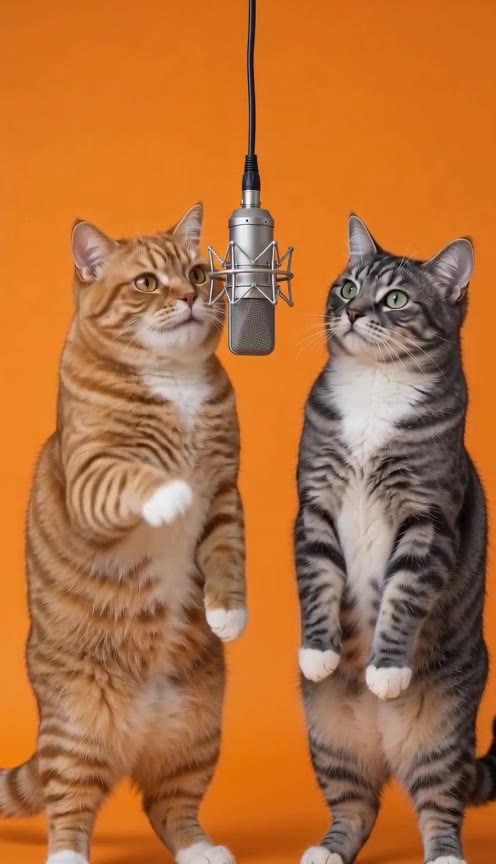
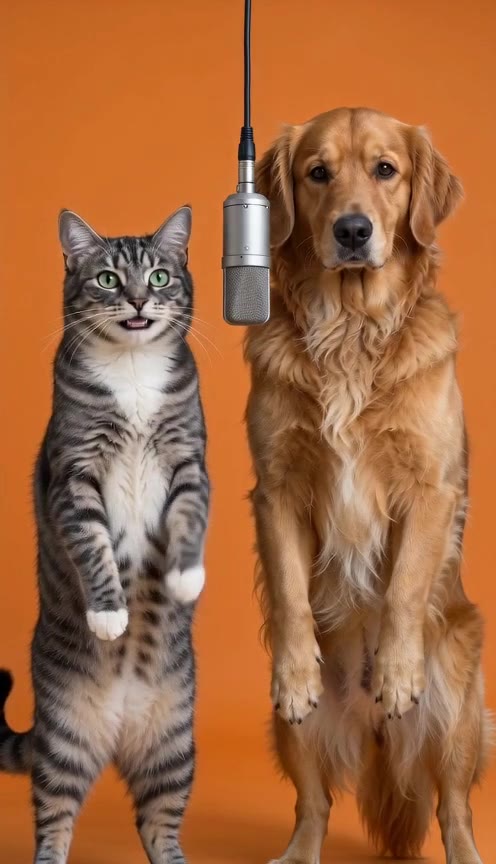
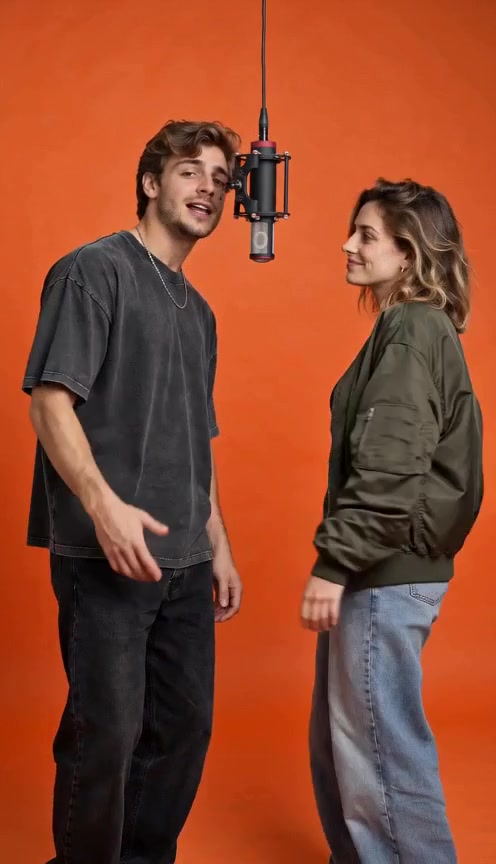
Our collection includes a two-cat duet, a cat-and-dog duet, an adult duet, a street freestyle and two solo pet dances. These are existing outputs from Hotel Lobby AI, reused with the owner’s permission. The adults and pets in their reference images are fictional AI-created subjects.
Understand the effect you are choosing
A rap duet puts two subjects into one performance. A dance with rap audio emphasizes body movement. A battle adds another requirement: different lines assigned to each character, with deliberate turn-taking. One does not establish the others.
The duet examples here use two separate references. The street freestyle and solo pet dances use one. A reference photo supplies information about the subject; the resulting setting, camera view and gestures can change during generation.
Prepare clear reference photos
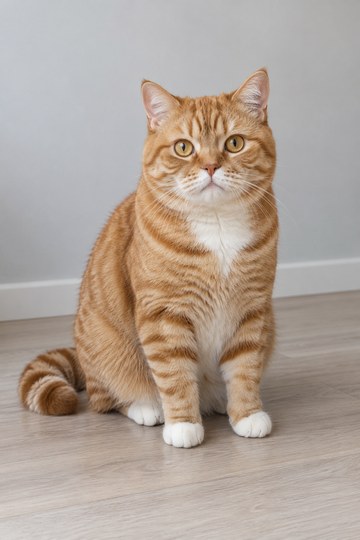
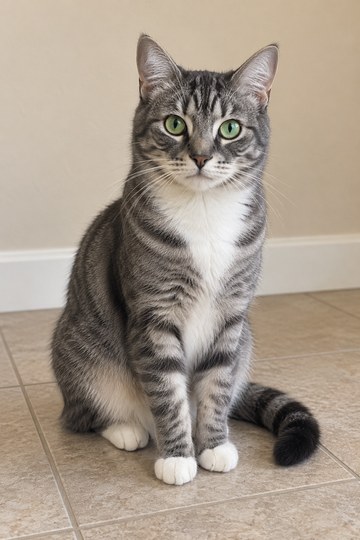
Use a well-lit image with one easily identifiable subject per photo. Keep the face unobstructed. For pets, visible ears and coat markings help you compare the reference with the result. For a dance, a photo showing the body and paws gives more visual information than a tightly cropped face.
For a two-subject layout, prepare one separate image for each performer. Follow the selected effect’s framing guidance rather than assuming every template accepts a group photo. People photos should show consenting adults.
Open a recorded effect
Watch the sample and check its source photos, photo count and audio label.
Try the matching layout
Select the effect in the studio, then choose the photo or photos it asks for. They appear only in your browser.
Review your inputs
Check the framing and visible details. Remove a photo to replace it, or change the effect to explore a different layout.
Know where the rap comes from
Some workflows generate a performance and its sound together. Others take an existing song and use audio-driven animation. The second workflow needs an audio input; a text prompt asking for accurate lip movements is not the same input.
All recorded examples here include AI-generated audio. The pet duets contain English rap; the street freestyle and solo pet dances contain Spanish rap. Uploading your own song, choosing a voice and entering custom lyrics are not currently available here.
Check the complete picture and sound
Compare the subjects with their reference images. Look for changes in faces, coat patterns, limbs and interaction between characters. Listen to the words and beat while watching mouth timing. A good-looking still frame cannot tell you how the whole performance behaves.
The recordings are about ten seconds long. Their actual dimensions and audio are shown on each example page; they are not all 1080p. If you add captions or reframe a finished clip later, check that faces, gestures and text stay visible on a phone. No edit guarantees that a video will become popular.
What you can do here today
You can watch the existing samples, inspect their source photos and try a local photo layout for free. Choosing a photo does not upload it, reserve credits or start a generation. The sample beside the layout remains the original recording.
Each new video costs $9.90 once, plus applicable checkout tax. Check the selected effect’s sound, duration, resolution and photo requirements before continuing to checkout; no subscription or credit pack is required.
A FEW MORE DETAILS
Common questions
Can one photo be enough?
Yes for the recorded solo layouts in this collection. The cat and dog dances and street freestyle each start from one reference. The three duet examples use two separate photos.
Does an animated mouth prove accurate rap lip-sync?
No. Compare mouth timing with the actual vocals throughout the clip. Generated movement can vary, and our samples do not promise precise timing for every future result.
Do I need to install an app to try the layout?
No. Photo previews, checkout and generation are available in your browser. Selecting photos is free and keeps them local; consent and continue to checkout to upload them privately. A verified payment starts the new video generation.
About the evidence: this guide describes the source images, specifications and effect information shown on this site. It does not report a test of new visitor generations or a comparison of third-party tools. Inspect the original example.